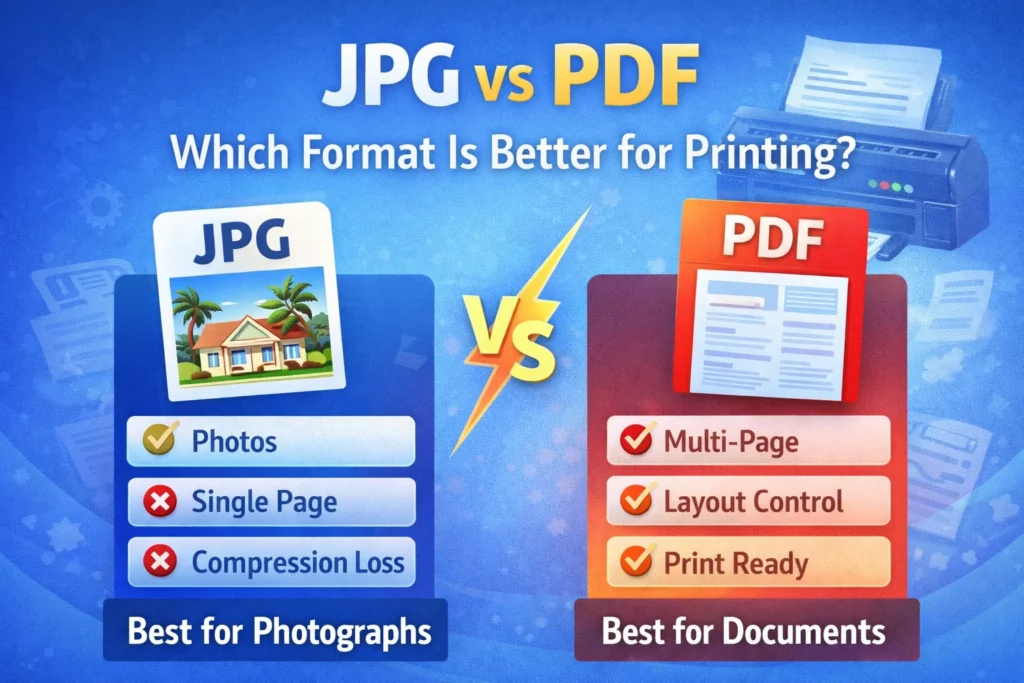
JPG vs PDF – Which Format Is Better for Printing?
When preparing a document or image for printing, choosing the right file format matters more than most people realize. Many users get confused between JPG and PDF formats. Both are widely used, but they serve different purposes especially when it comes to printing quality, clarity, and layout control.
In this guide, we’ll compare JPG vs PDF to help you decide which format is better for printing.
What Is JPG?
JPG (or JPEG) is an image file format designed primarily for photos and digital images.
Key Features of JPG:
- Compressed image format
- Smaller file size
- Best for photographs
- Single-page only
- Uses RGB color mode by default
JPG works well for sharing images online but has limitations when used for printing structured documents.
What Is PDF?
PDF (Portable Document Format) is a document format that preserves layout, fonts, images, and formatting across devices.
Key Features of PDF:
- Multi-page support
- Maintains layout structure
- Print-ready formatting
- Supports high resolution
- Can use CMYK color mode for professional printing
PDF was specifically designed to ensure consistency in display and print output.
Print Quality Comparison
Image Sharpness
- JPG quality depends on compression level
- PDF can embed high-resolution images without altering them
If the JPG is compressed heavily, printed output may look blurry or pixelated.
PDF maintains original resolution when exported properly.
Layout Control
JPG:
- Fixed as a flat image
- No structured layout
- Cannot control margins or scaling precisely
PDF:
- Maintains margins
- Preserves font clarity
- Keeps page size consistent
For structured documents like resumes, contracts, or forms, PDF is clearly better.
Multi-Page Printing
JPG:
- One file per image
- Multiple files needed for multiple pages
PDF:
- Supports multiple pages in one file
- Easier to print as a complete document
For reports or official documents, PDF saves time and avoids confusion.
File Size & Compression
JPG:
- Smaller file size
- May lose quality due to compression
PDF:
- Can be optimized for print
- Allows balance between size and quality
For professional printing, slightly larger file size is acceptable if quality is maintained.
When JPG Is Better for Printing
JPG works well when:
- Printing photographs
- Printing posters from high-resolution images
- Sharing simple single-page visuals
If the image is high resolution (300 DPI or more), JPG can produce good print results.
When PDF Is Better for Printing
PDF is better when:
- Printing resumes or documents
- Submitting official paperwork
- Printing multi-page files
- Maintaining exact layout
- Preparing files for commercial printing
Most print shops prefer PDF because it ensures formatting remains unchanged.
Quick Comparison Table
| Feature | JPG | |
|---|---|---|
| Multi-Page Support | No | Yes |
| Layout Preservation | No | Yes |
| Compression Loss | Yes | Minimal (if set properly) |
| Professional Printing | Limited | Highly Recommended |
| Best Use Case | Photos | Documents & Structured Files |
Which Format Should You Choose?
Choose JPG if:
- You are printing a single high-resolution photo
- File size is more important than structure
Choose PDF if:
- You need professional-quality printing
- The document has multiple pages
- Layout accuracy is critical
In most professional and official cases, PDF is the better choice for printing.
Final Verdict
When comparing JPG vs PDF for printing, PDF offers better layout control, multi-page support, and consistent output quality. JPG can work well for photographs, but for documents, resumes, reports, and official submissions, PDF is generally the safer and more reliable option. Choosing the right format ensures your printed output looks sharp, clean, and professional.